 Fitness Trackr
Your transformation,
one photo a day.
Fitness Trackr turns a daily progress photo into proof your effort is working. Build the habit, compare before and after, and watch your timelapse. No account. No cloud. Just you.
Fresh out of the oven
The newest release splits your history into training blocks, lets you shoot against a pose you set up yourself, and hands the colour scheme over to you.
Training phasesNEW
Name a bulk, a cut or a prep and give it dates. Every photo in that range becomes its own timeline, with its own before and after, charts and export. One free, unlimited with Pro.
Poses of your ownNEW
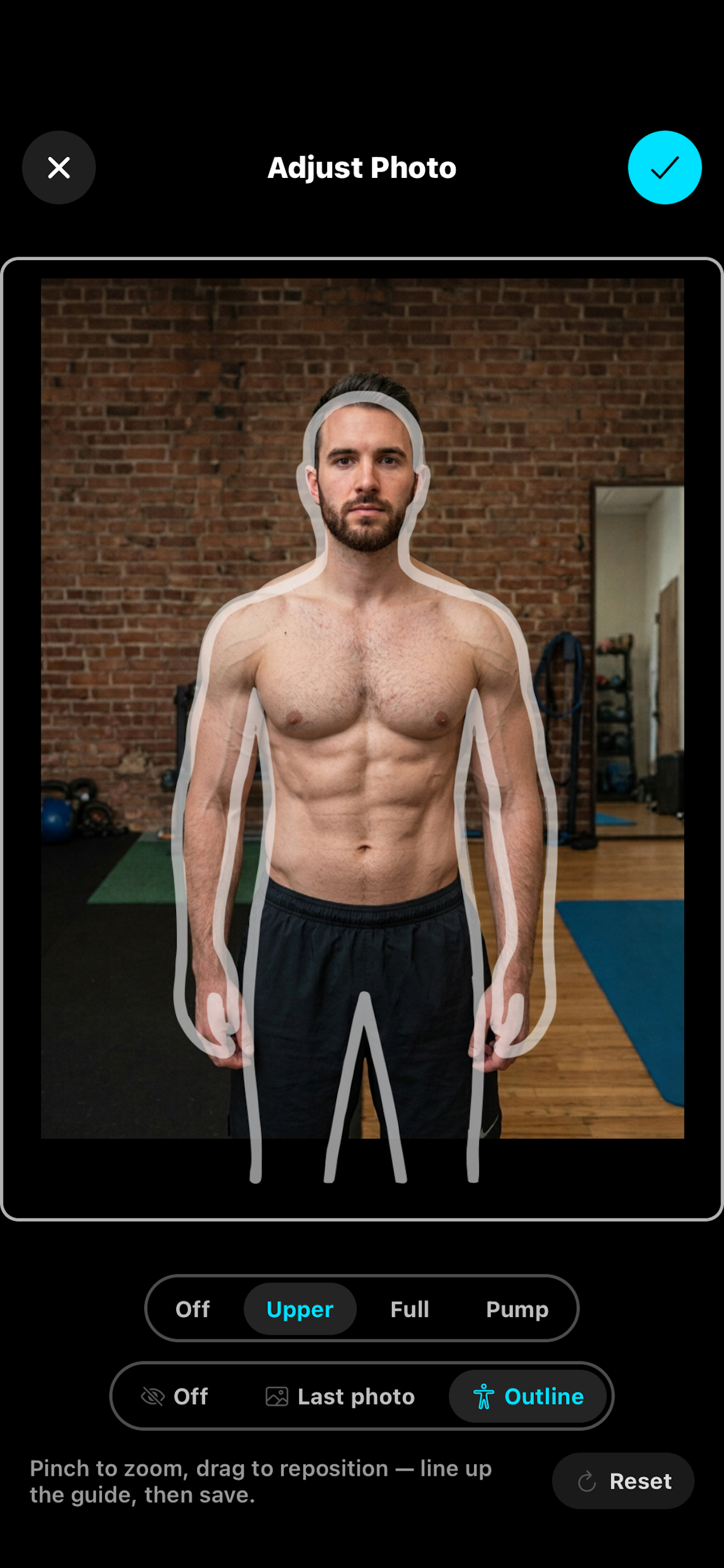
Shoot a reference photo once and it joins Upper, Full and Pump everywhere. The camera ghosts your own shot over the viewfinder, so you match your stance instead of a generic outline. Pro.
Themes you buildNEW
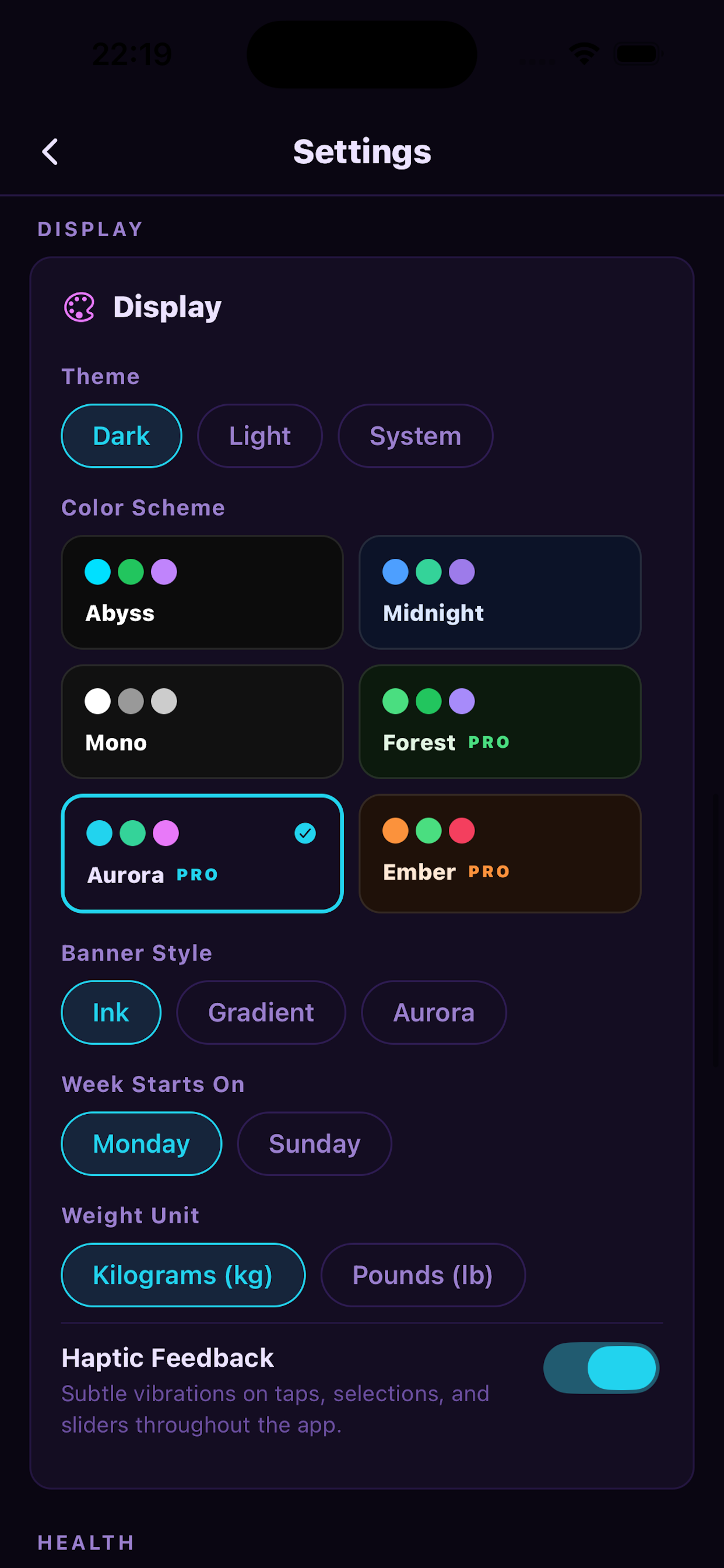
Pick your background and accent; the rest of the palette is worked out from them and contrast-checked as you go. Aurora, Ember, Rosé and Sage come along too. Pro.
Built for the daily habit
Show up, take the shot, and let the change add up. Fitness Trackr makes consistency easy and your progress impossible to miss.
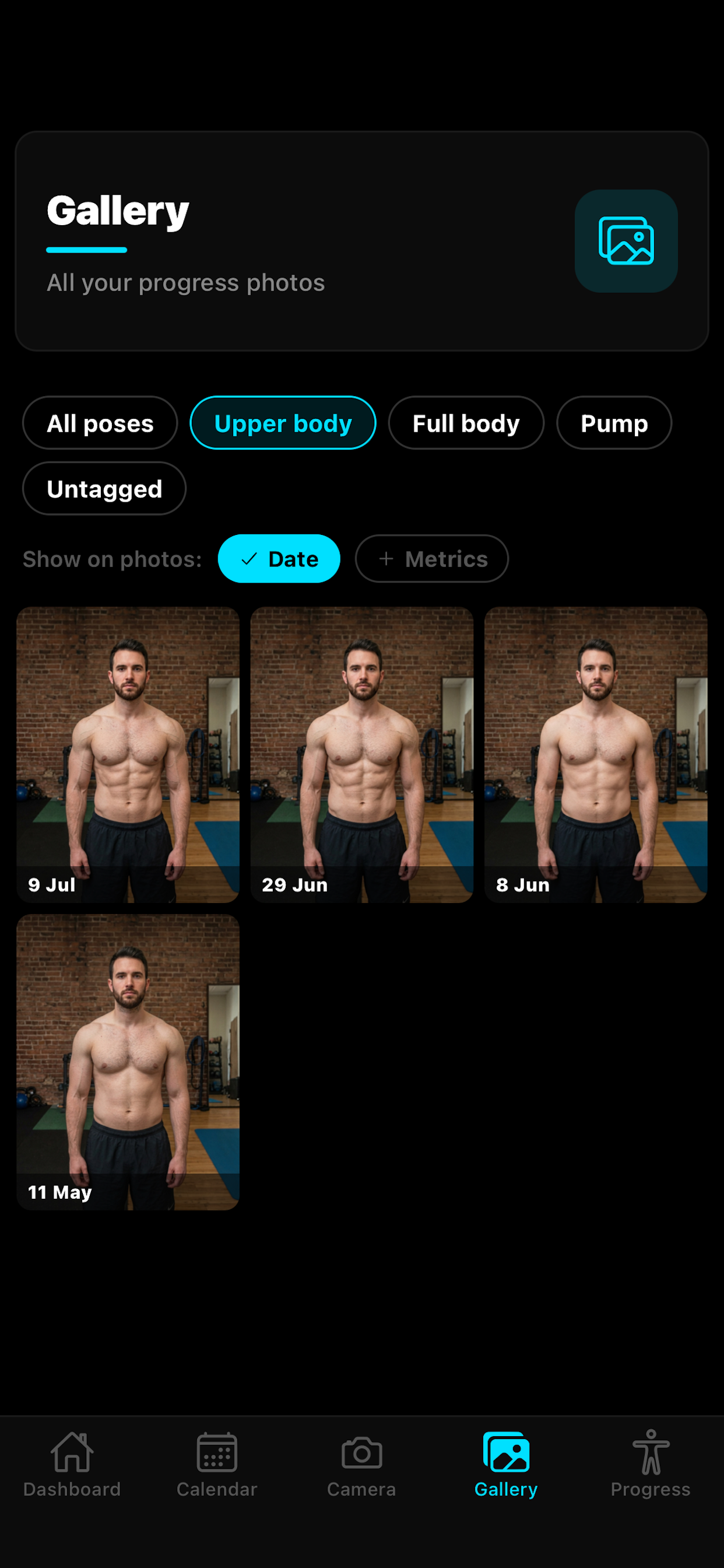
Consistent progress photos
Pose guides and a faint overlay of your last shot keep every photo lined up. Same angle, day after day.
Before and after
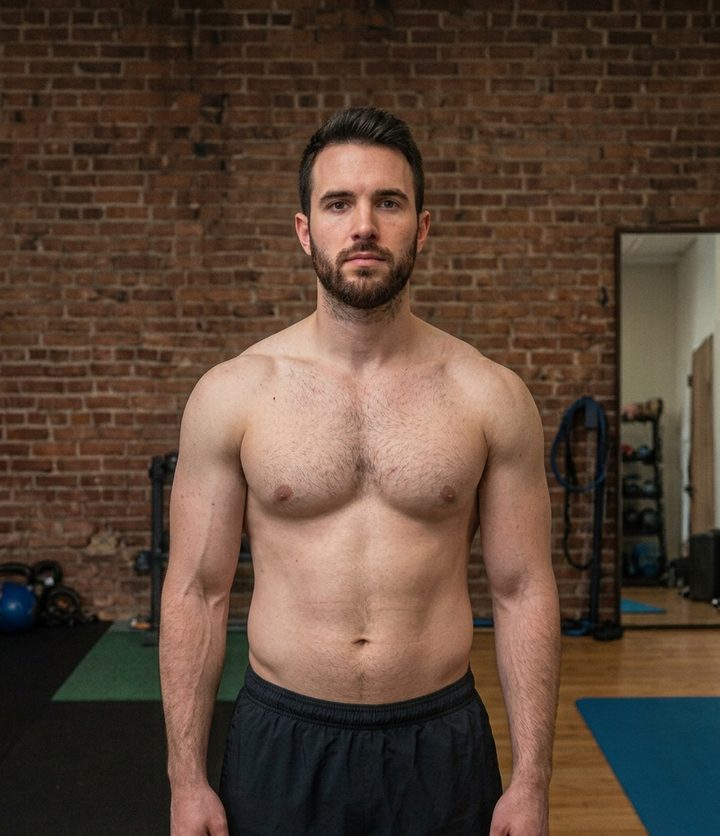
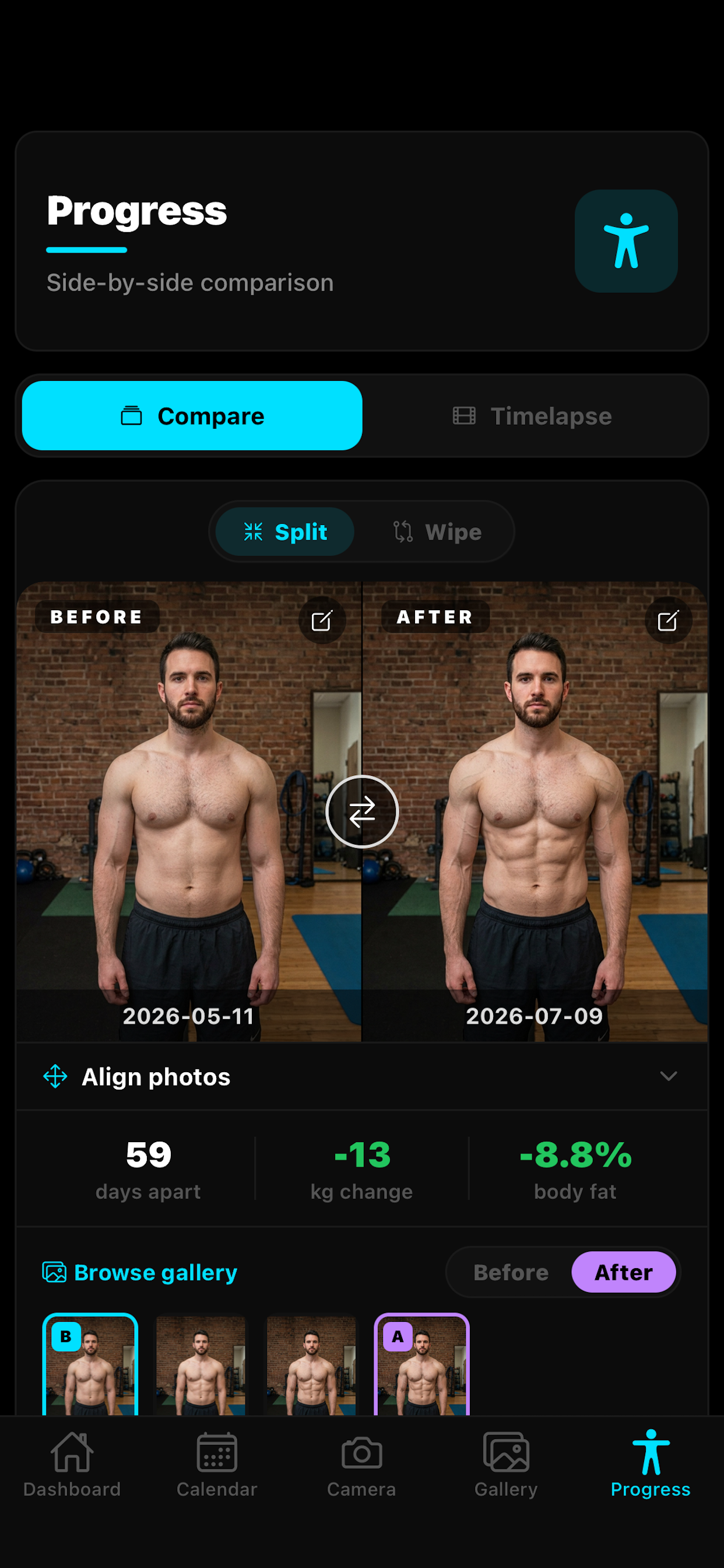
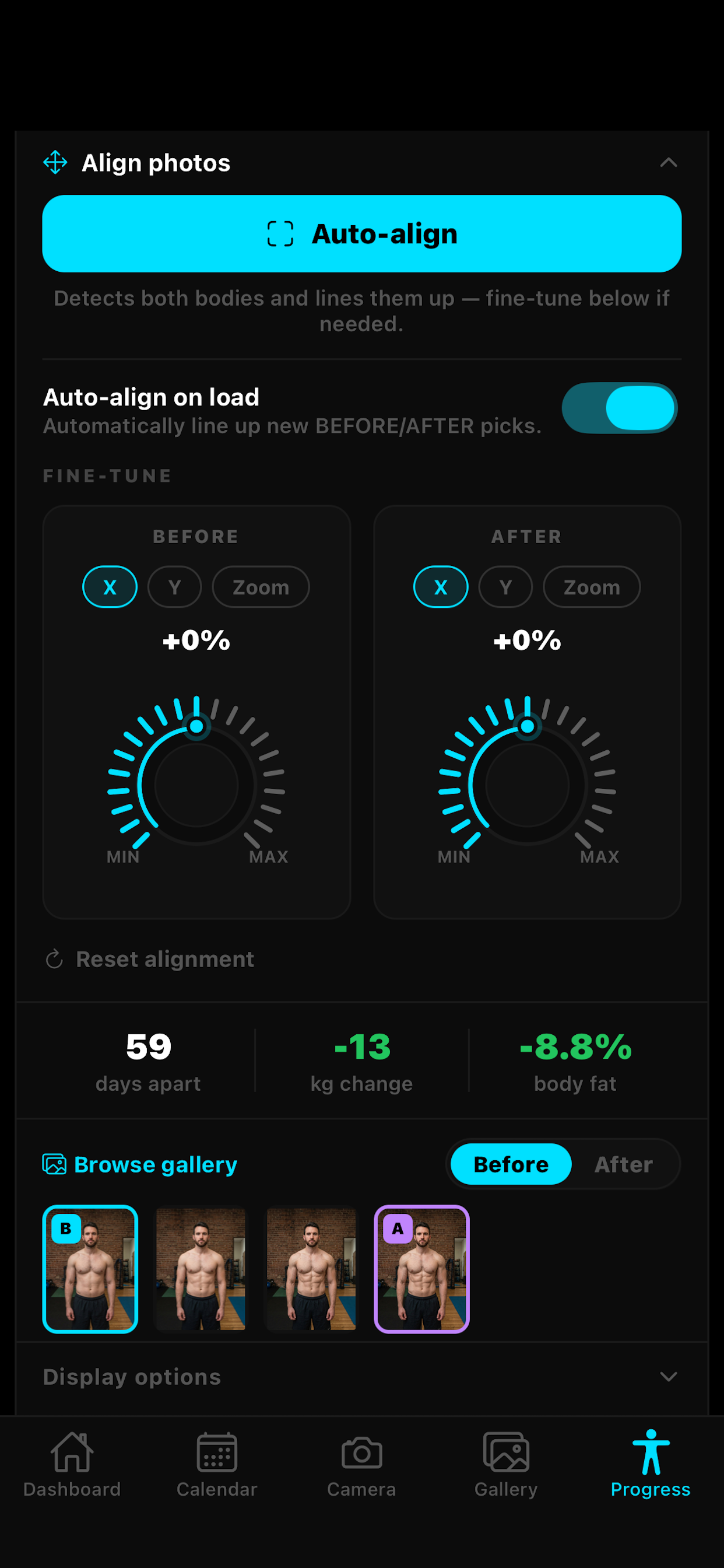
Side-by-side compare plus an interactive wipe slider you can export as an animation. Auto-align snaps your poses together.PRO
Timelapse
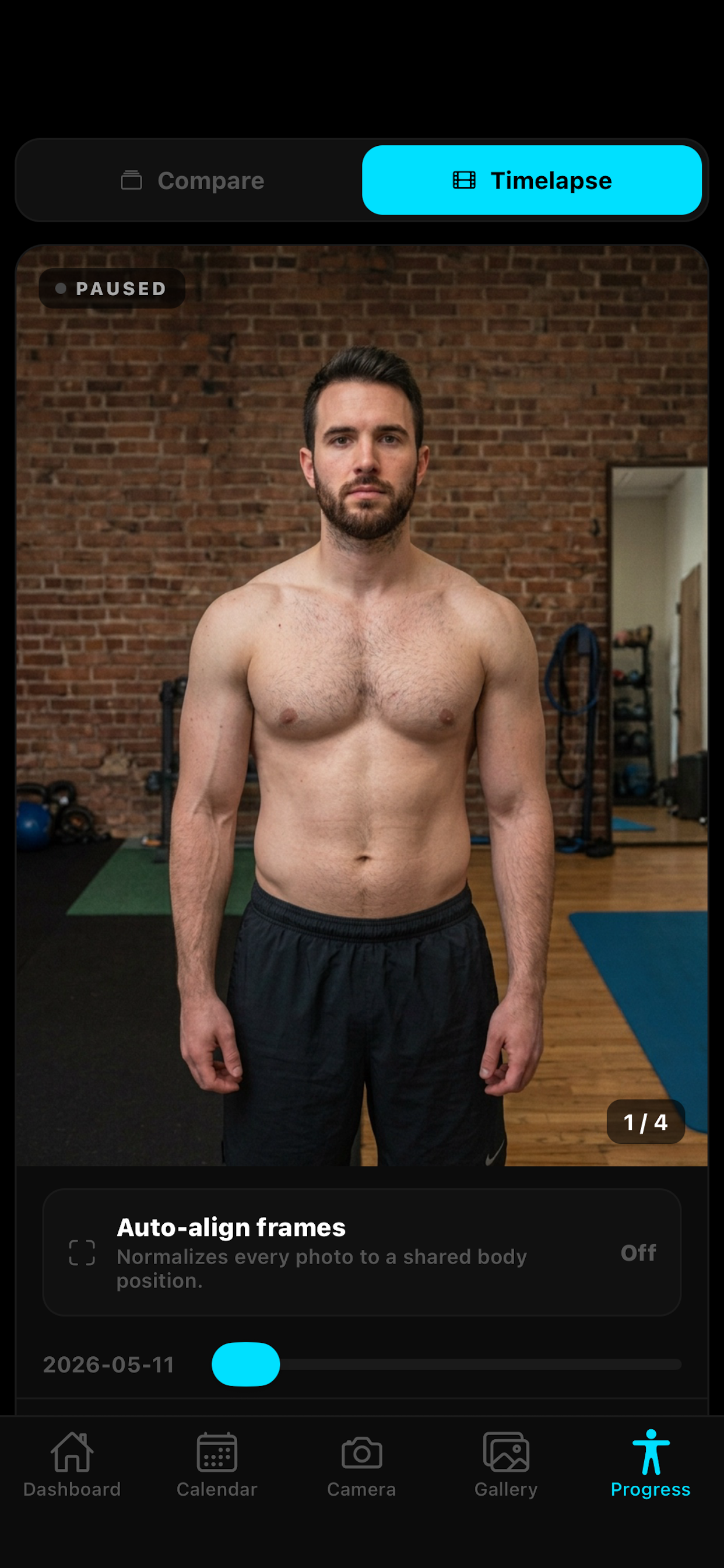
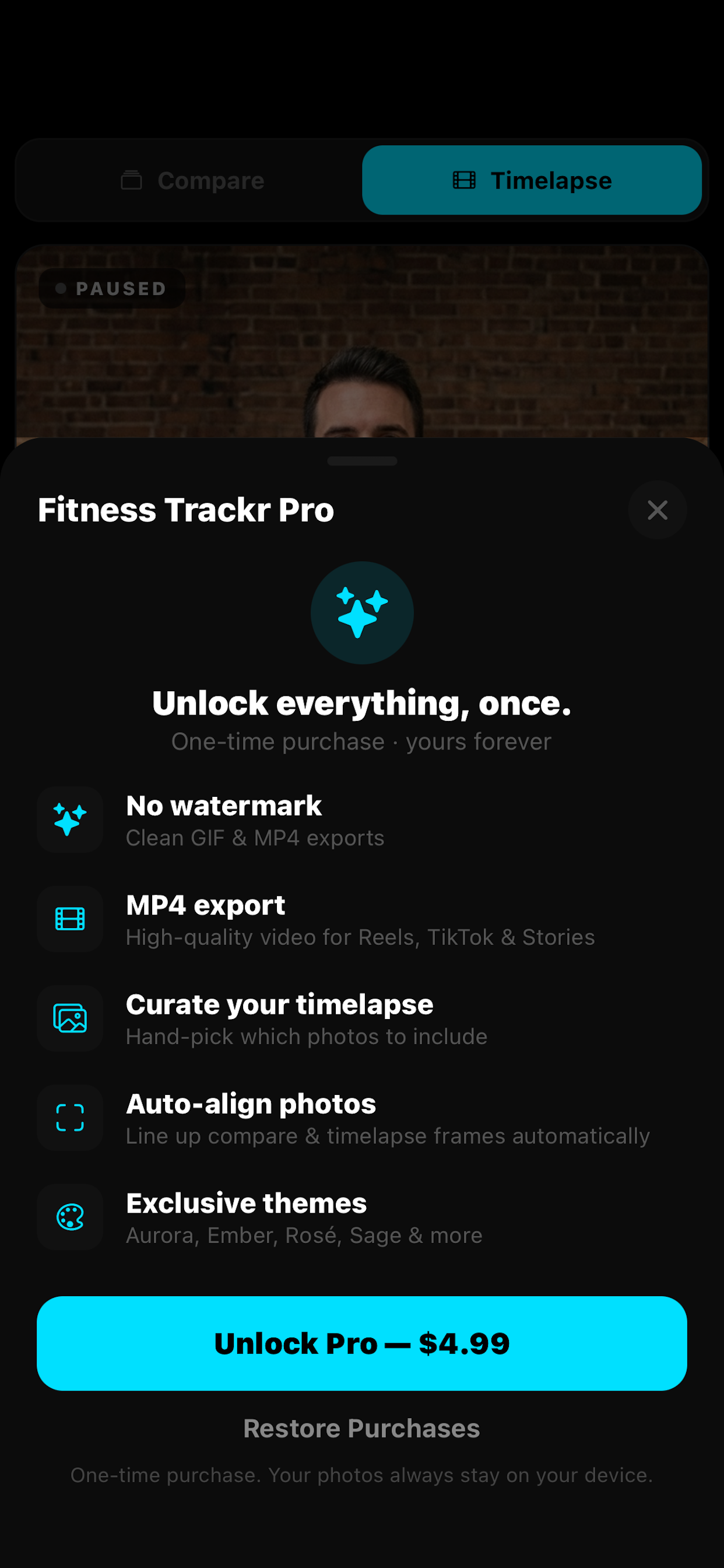
Replay your whole journey in seconds, then export it as a video for Reels, TikTok and Stories.PRO
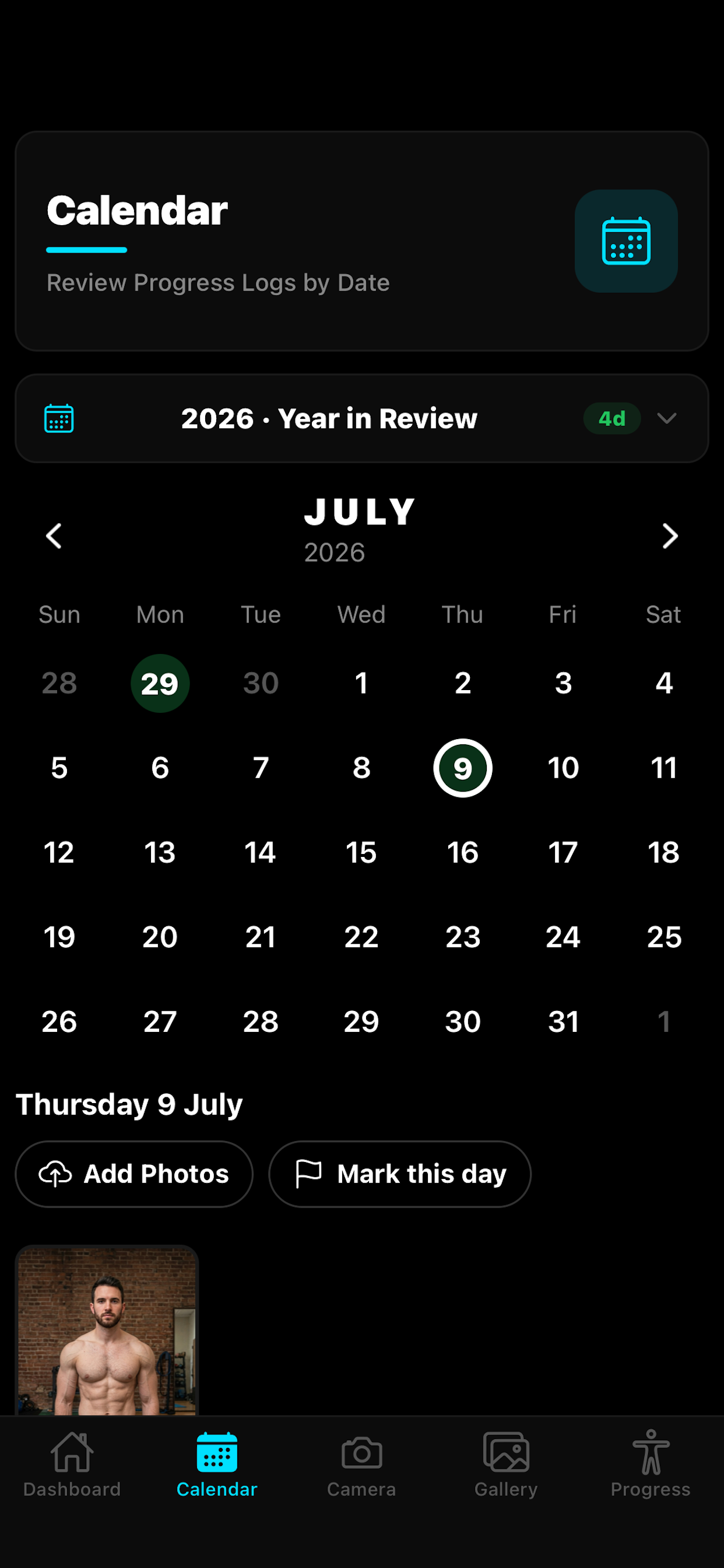
Calendar and heatmap
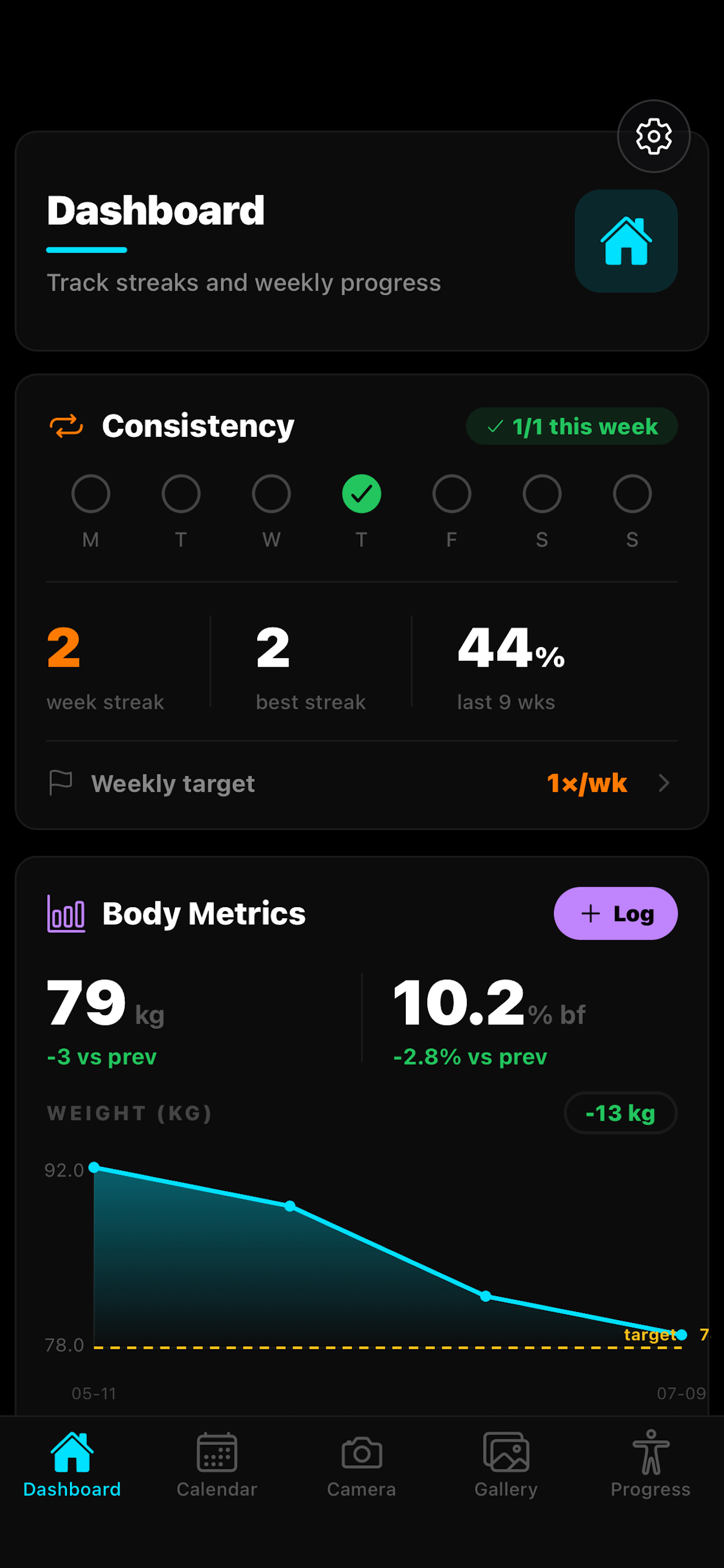
A weekly consistency model and a year heatmap, so you can browse every logged day at a glance.
Track the numbers
Log weight and body fat, scrub the trend charts by hand, and set a goal weight with a countdown.
Streaks and achievements
Badges land automatically as you hit streak, photo and goal milestones. Smart reminders nudge you before a streak breaks.
Import from Apple Health
Pull weight and body fat from the Apple Health app straight into your charts. Read-only, opt-in, and stored on your device.
Themes that fit you
Light and dark palettes, switchable banner styles, and a set of premium themes if you want more.
100% private
No account, no server, nothing uploaded. Your photos live on your device, yours alone.
A still says you changed.
The sweep shows it.
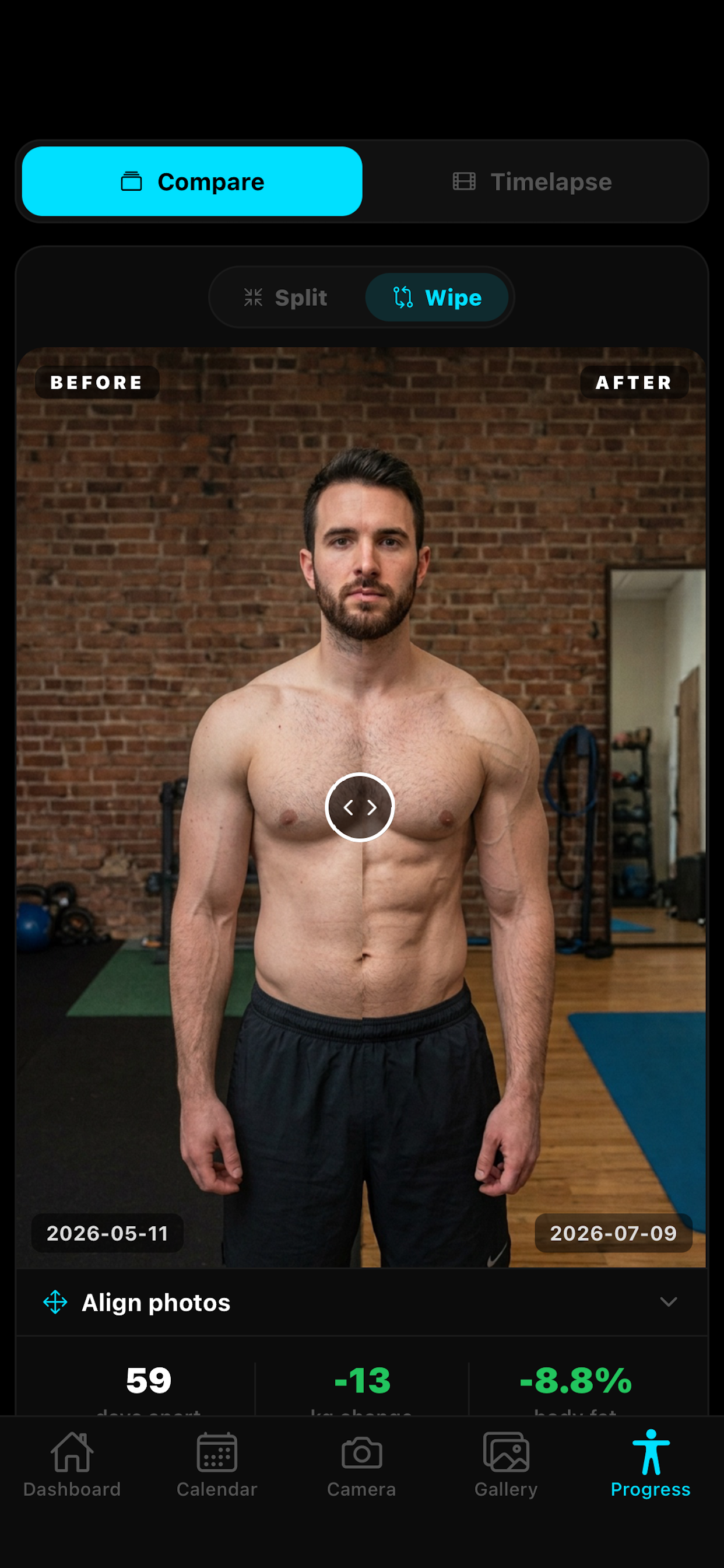
Drag the divider to reveal the after photo, then export that exact sweep. Fitness Trackr renders it frame by frame on your phone, so what you post is pixel for pixel what you saw on screen.
- GIF export is free, with a small watermark
- MP4 export and no watermark come with Pro
- Nothing is uploaded, and no render server is involved
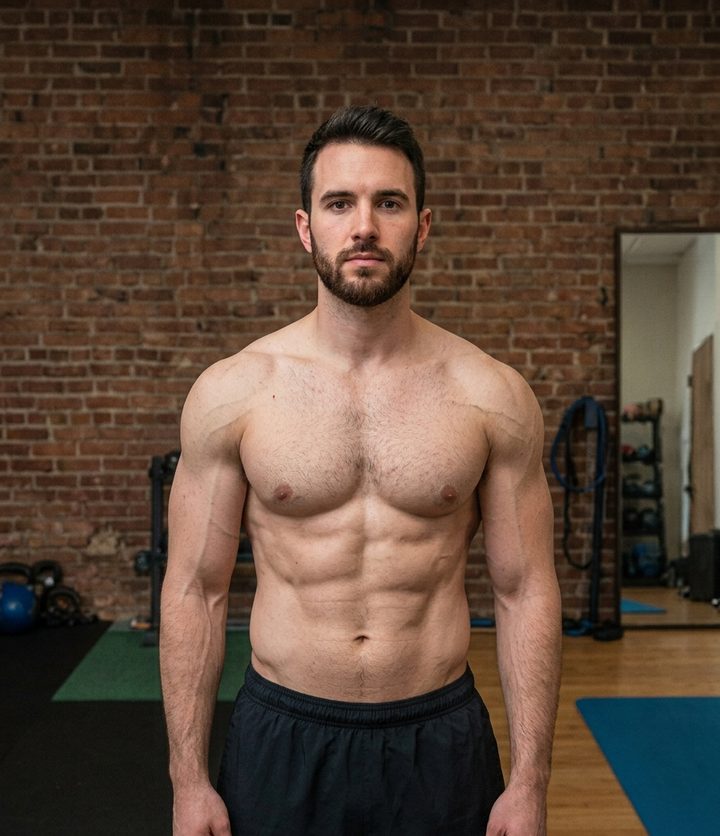
 Before
After
2026-05-11
2026-07-09
Before
After
2026-05-11
2026-07-09
Your progress, beautifully
Scroll sideways to see more
Your scale already knows.
Now your charts do too.
Using Fitness Trackr with the Apple Health app on iPhone means your weight and body fat are already there when you open the app. Connect it once and Fitness Trackr fills in the numbers your smart scale, watch, or Health app entries have been recording.

Fitness Trackr only reads from Apple Health, and never writes to it. Your health data is kept secure in the Apple Health app because it is encrypted and protected by the passcode on your iPhone, and anything Fitness Trackr imports stays on your device. Nothing you have typed in by hand is ever overwritten.
No account. No cloud.
No one sees your photos but you.
Every photo, metric and milestone is stored locally on your device. There is no sign-up and no server, and any on-device photo analysis such as auto-align uses Apple's built-in frameworks, so nothing is ever uploaded.
Included free for your
first 14 days.
Install the app and every Pro feature is switched on for two weeks. There is nothing to enter and nothing to cancel, because it is not a subscription. When the two weeks are up, Pro is a single purchase you keep forever.
MP4 video export
Export your timelapse and your animated wipe as video, ready for Reels, TikTok and Stories.
No watermark
Every export leaves your phone clean, with nothing stamped in the corner.
Auto-align
Your body position is detected on-device and your photos are lined up automatically in compare and timelapse.
Poses and phases of your own
Set up your own poses to shoot against, split your history into as many training phases as you like, hand-pick timelapse frames, and build your own colour themes.
One-time purchase · no subscription · nothing renews
Built by one person.
Fueled by people like you.
Fitness Trackr has no ads and never sells your data. If it helps you show up, a small tip keeps it growing. Pay what you want, one time.
Secure checkout via Stripe · Apple Pay and cards · 100% optional
Every day you
show up counts.
The change is slow enough that you will miss it. Your photos will not.
Start today.
Future-you will be glad you did.
Whether you are cutting, bulking, or just staying accountable, one photo a day adds up.